Features
A complete reference of everything the extension can do.
Blur Mode
Test yourself by blurring one or both subtitle rows. Click the eye icon in the control bar to choose a mode:
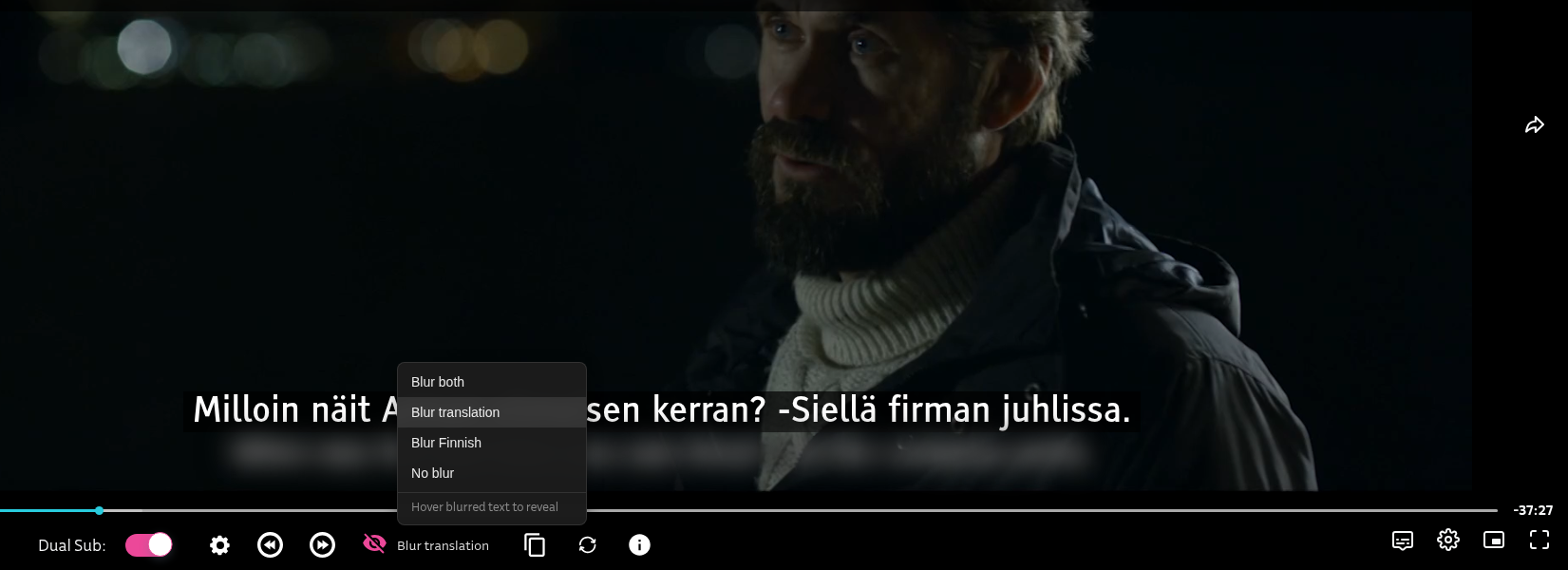
Hover over a blurred subtitle to reveal it temporarily.
Word Lookup
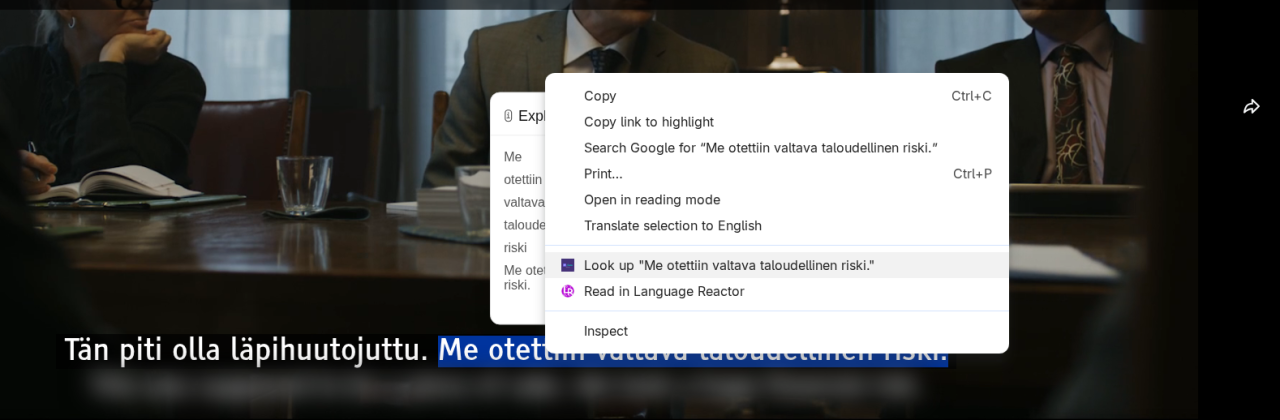
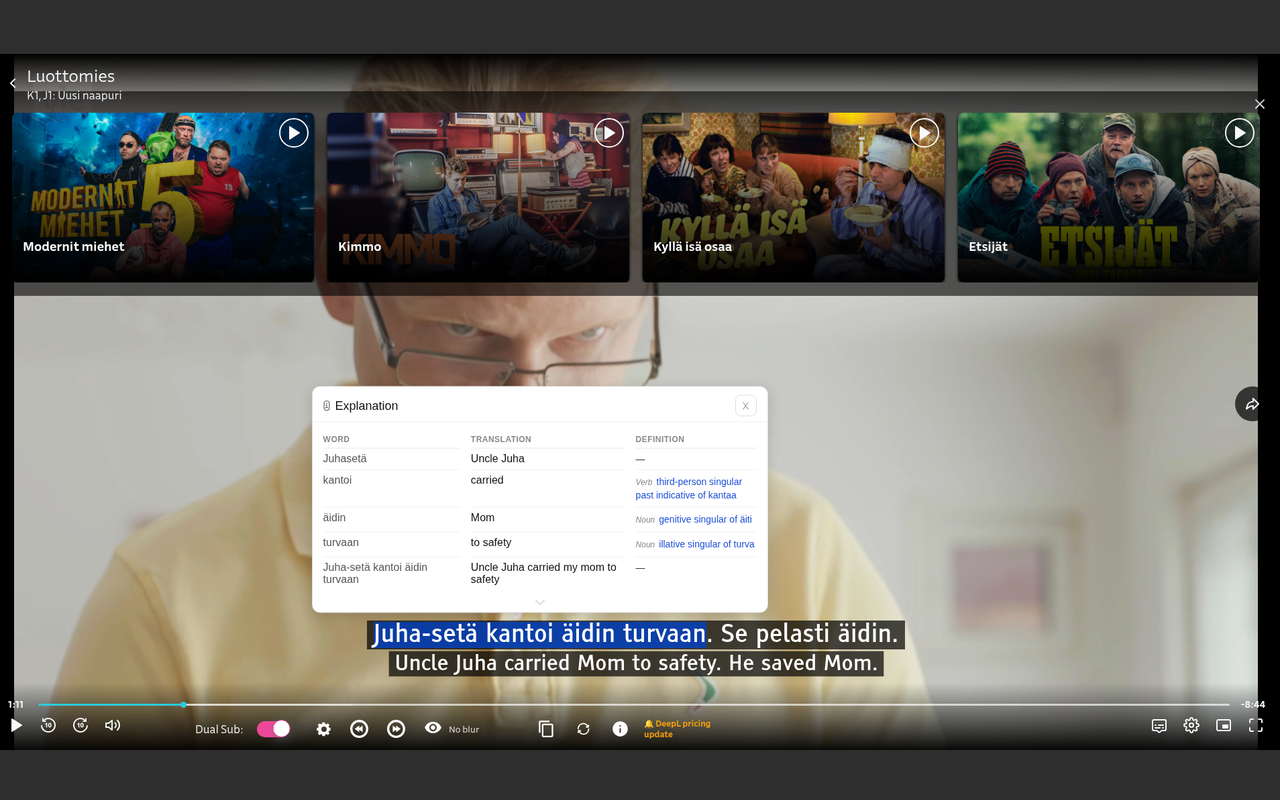
Select text in a subtitle and right click to get an instant in-page lookup without leaving the video.
This will give you a word-by-word translation, suitable for beginners who cannot guess the meaning based on context yet.
The lookup can take a bit of time. Please wait up to 5 seconds for the result to appear.
Rewind & Forward
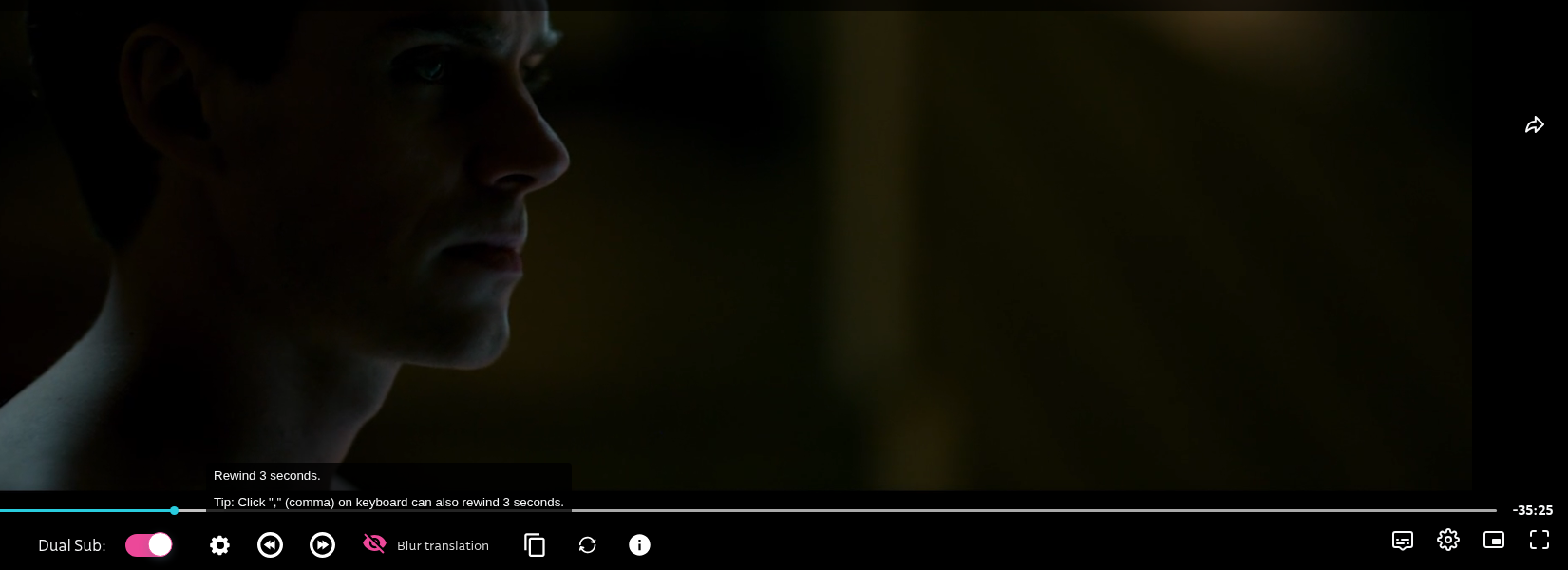
Jump back or forward 3 seconds with the rewind/forward buttons in the control bar, or use keyboard shortcuts:
,(comma) — rewind 3 seconds.(period) — forward 3 seconds
Useful for shadowing or active recall: repeat a sentence either by reading or by memory.
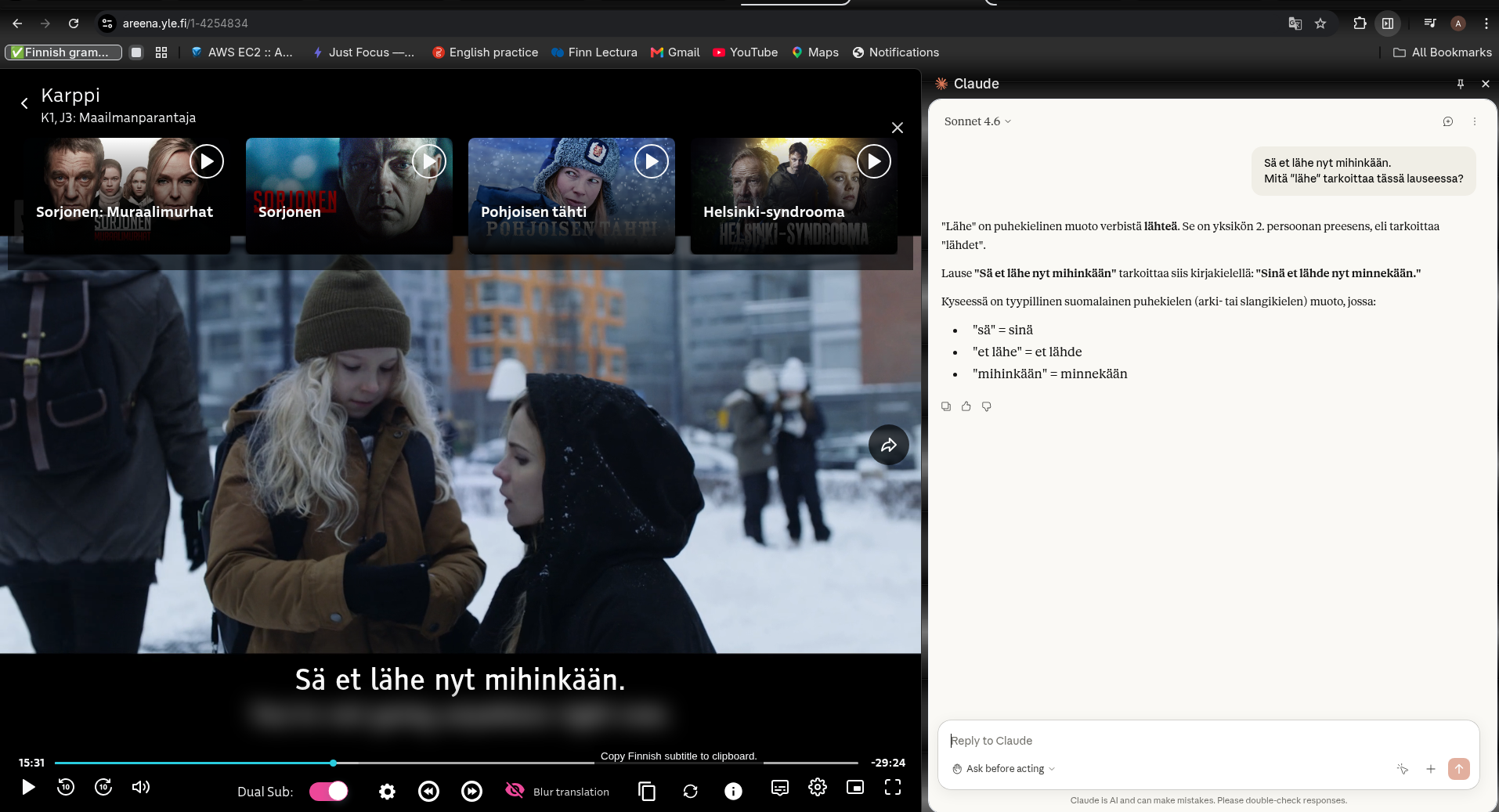
Copy Finnish Subtitle
Click the copy icon to send the current Finnish subtitle line to your clipboard — handy for saving phrases. Personally I usually paste the text into AI chatbot for further explanation.
Multi-Language Support
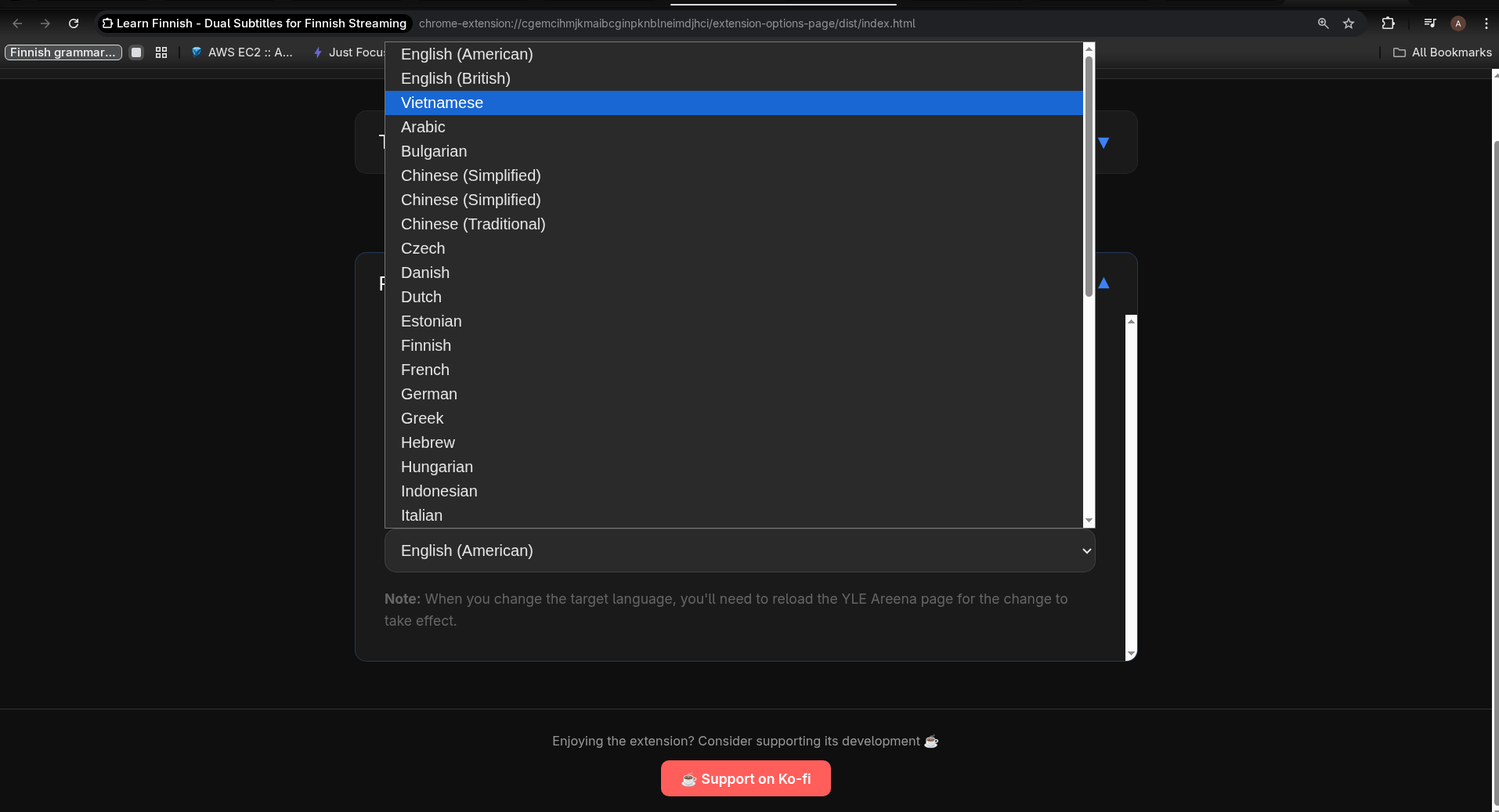
Translate Finnish subtitles into any language DeepL supports — English, Vietnamese, Japanese, Spanish, and 30+ others. Change your target language in the options page at any time (a page reload is required to apply the change).
Subtitle Size
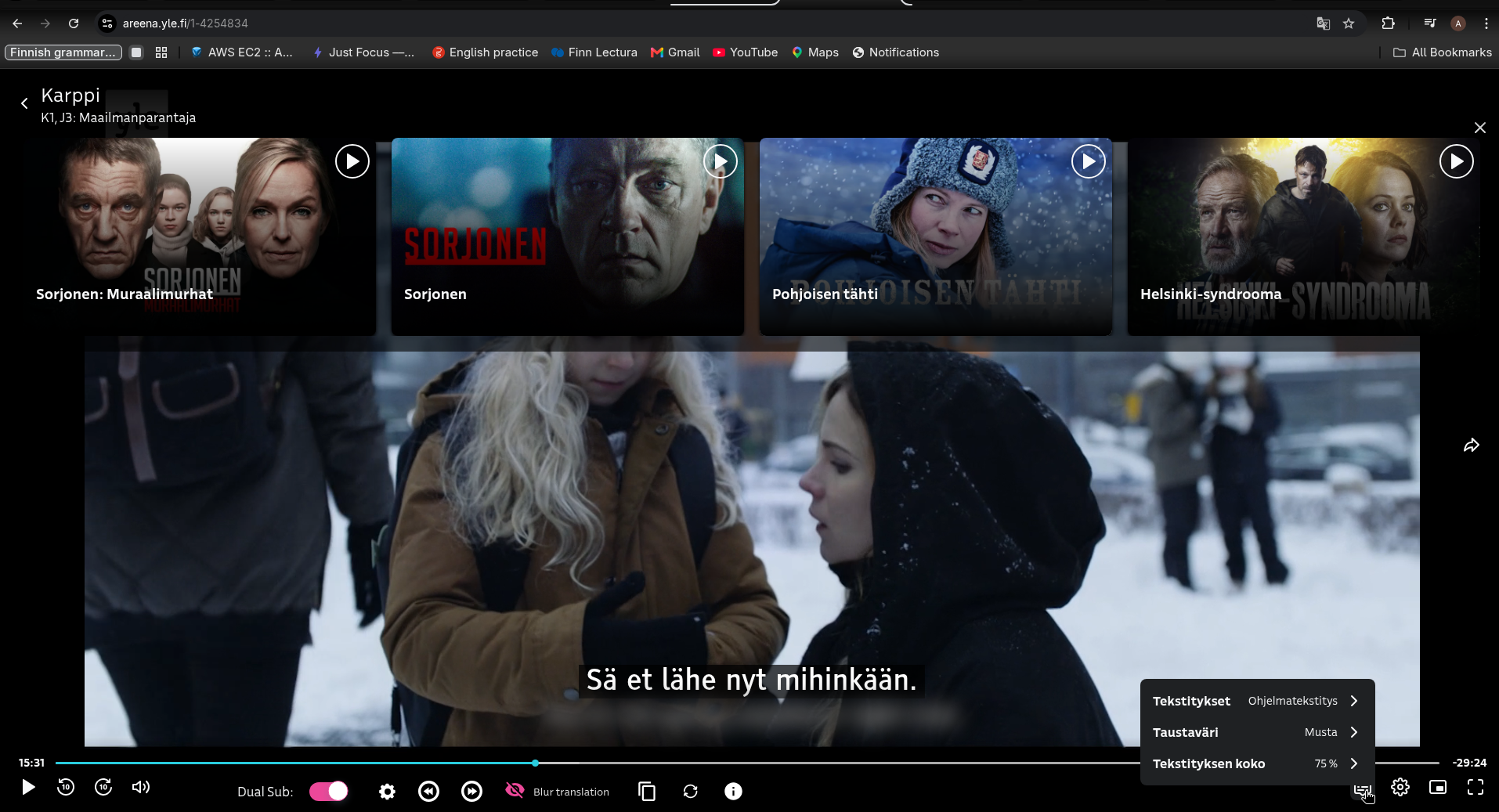
Use Ctrl + / Ctrl − in the browser to scale subtitles up or down. YLE Areena also has its own subtitle style settings (accessible via the speech-bubble icon in the player) where you can change font, size, and color. Check Taustaväri (Background color) and Tekstityksen koko (Subtitle size)
Reload Subtitles
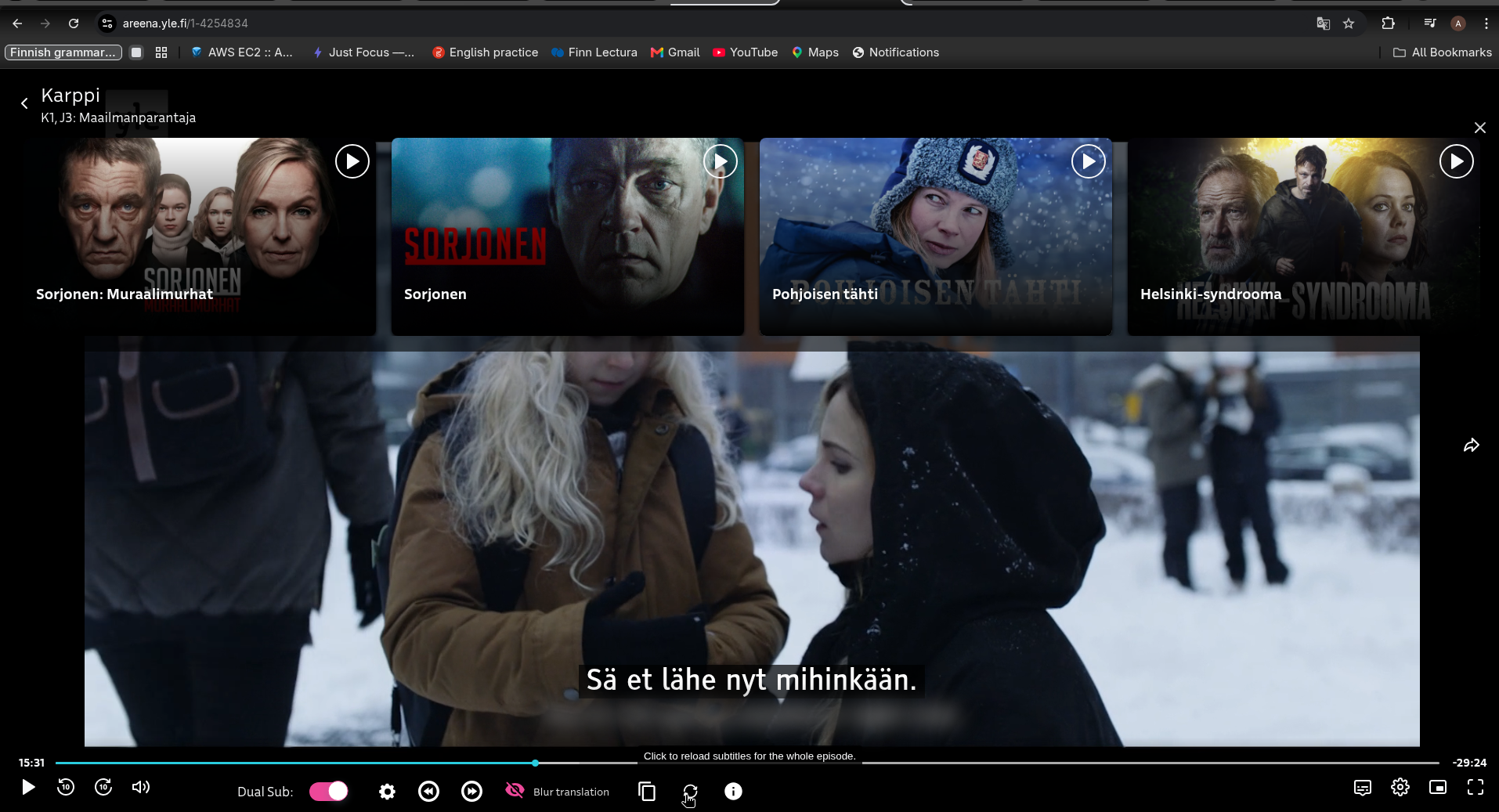
If translations look off, click the reload icon to clear the cached translations for the current episode and re-translate from scratch. This uses additional DeepL credits but can improve accuracy.
This is also useful right after you add a DeepL key: episodes you watched before still show the saved Google Translate subtitles until you click reload.
Translation Sources
The extension supports two translation services:
- Google Translate — works immediately with no setup. Google Translate has improved a lot and works well for everyday viewing.
- DeepL — the most accurate, fluent and natural translations for Finnish, especially spoken language and words with multiple meanings. Requires a free one-time setup (5–10 minutes). Recommended for anyone seriously learning Finnish.
Privacy
All data stays in your browser. No analytics, no tracking, no external servers beyond the translation API call itself.